Microsoft 365 for Claude custom connectors — each user acts as themselves.
Give Claude your users’ own Outlook mail, calendar, contacts and OneDrive through one small service you run. Sign-in is Microsoft’s own (Entra On-Behalf-Of): the relay never holds a password, never stores a token on disk, and exposes exactly the tools your chosen Graph scopes cover. Works with Claude on the web and desktop, on Free, Pro, Team, and Enterprise plans.
We built it because Claude’s native Microsoft 365 connector can’t send, forward, or draft mail with attachments. A user on a managed tenant needed Claude to work with their mail — and the mail had attachments.
Anthropic’s documentation is explicit: “Attachments aren’t supported in write tools, so sending, forwarding, and drafting all reject messages with attachments,” and “Claude can’t attach files to the drafts it creates.” The relay reads any attachment as a real file and sends, forwards, and drafts with files up to 150 MB — on mail and on calendar events.
The native connector is also limited to a fixed set of tools chosen by Anthropic, refuses personal Microsoft accounts, and requires a Global Administrator to consent to Anthropic’s app for the whole tenant. The relay lets you run the open-source Softeria M365 MCP Server yourself, with your own app registration and your own scope list, and adds the hardening a public endpoint needs.
| Claude’s native Microsoft 365 connector | M365 Claude Relay | |
|---|---|---|
| Email attachments | Not supported: sending, forwarding, and drafting with attachments are rejected; Claude can’t attach files to drafts | Read any attachment as a real file; send, forward, and draft with files up to 150 MB |
| Calendar event attachments | Not supported | Supported (attendees receive the update) |
| Tools | A fixed set chosen by Anthropic — about 40 listed in its security guide (7 read/search, the rest write) | 337 in the catalog; your scope list decides what is exposed (139 with the default mail, calendar, contacts, and files scopes) |
| Areas | SharePoint/OneDrive search and file writes, Outlook mail and calendar, Teams chat and calendar | The same areas in depth, plus contacts, calendar sharing and delegation, mailbox rules, OneDrive file operations and Excel workbooks, To Do, OneNote, Planner, groups, rooms, presence, meeting transcripts and recordings, and webhook subscriptions (some need additional or work-tenant scopes) |
| Accounts | Work or school only; personal accounts (outlook.com, hotmail.com, live.com) refused | Work tenants and personal accounts |
| Consent | Tenant-wide consent to Anthropic’s app (“M365 MCP Server for Claude”) by a Global Administrator | Your own app registration; users consent to exactly the scopes you list |
| Where it runs | Anthropic-hosted | A container you run, behind your ingress |
| Source | Anthropic-operated; source not published | Open source (MIT): Softeria’s M365 MCP Server, pinned and reviewed, behind a minimal public-endpoint gate |
Sources, as of September 2026: Anthropic, “Microsoft 365 connector”; “Set up the Microsoft 365 connector”; “Microsoft 365 connector security guide”.
A prebuilt, hardened container image. Nearly all of it is off the shelf: Softeria’s ms-365-mcp-server (MIT), pinned to a reviewed version and run in On-Behalf-Of mode, behind a minimal, reviewed gate. Softeria handles the OAuth exchange, Microsoft Graph, and the tool surface. The gate adds only what upstream can’t do yet — inbound token validation, an attachment upload bridge, two sign-in fixes, and a start-time scope derivation — and each of those pieces is tracked upstream and retires once Softeria covers it.
The relay has no standing access to any mailbox.
The policy is a list of Microsoft Graph scopes. Every tool whose required scopes that list covers is exposed; users consent to exactly those scopes at sign-in. The default seven — profile, mail, send, calendars, contacts, mailbox settings, and OneDrive — expose 139 tools on a personal account.
Scopes are runtime configuration: change MS365_MCP_ALLOWED_SCOPES and restart, no rebuild. On a work tenant, admin-consented scopes unlock Teams, SharePoint, shared mailboxes, Planner, and directory tools.
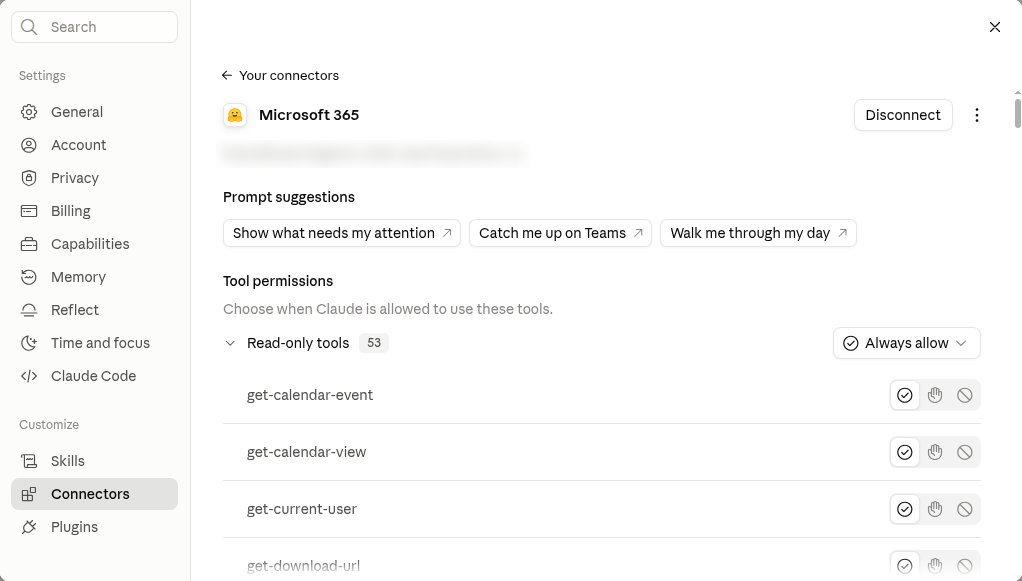
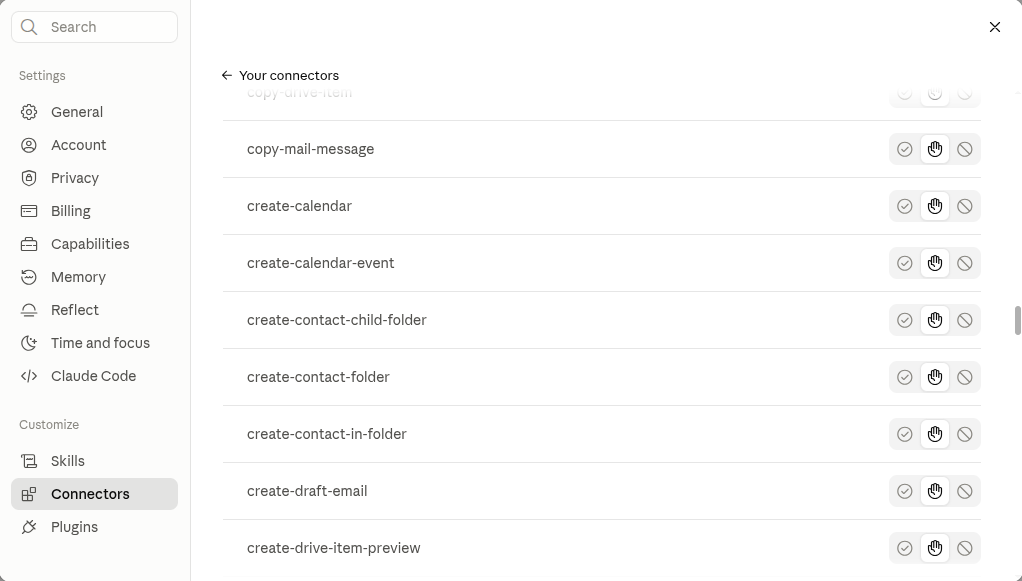
Once connected, Claude’s own per-tool permissions decide what each user can actually use: Always allow, Needs approval, or Blocked, with an org-admin ceiling on Team and Enterprise. A blocked tool is removed from Claude’s tool set entirely, and anything the account itself lacks simply fails at Microsoft — nothing runs that the scope does not allow.
Three steps. Full instructions are in the repository.
-e MS365_MCP_ORG_MODE=true. /health reports the running scopes and tool count.docker run -d --name m365-claude-relay --read-only --security-opt no-new-privileges \ --tmpfs /dev/shm:rw,size=64m -p 7860:7860 \ -e MS365_MCP_CLIENT_ID=<client id> -e MS365_MCP_CLIENT_SECRET=<secret> \ -e MS365_MCP_TENANT_ID=<tenant id or consumers> \ -e MS365_MCP_PUBLIC_URL=https://relay.example.com \ -e MS365_MCP_ATTACHMENT_URL_BASE=https://relay.example.com \ -e MS365_MCP_ATTACHMENT_URL_KEY=<32+ random hex> \ -e MS365_MCP_ALLOWED_SCOPES="User.Read Mail.ReadWrite Mail.Send Calendars.ReadWrite Contacts.ReadWrite MailboxSettings.ReadWrite Files.ReadWrite" \ ghcr.io/rmdevpro/m365-claude-relay:1.0.0
M365 Claude Relay is not a hosted service — you run it, with your own Entra app registration. It holds no standing access to anyone’s mailbox, and it does not decide which tools a person may use: that is your scope list plus Claude’s tool permissions.
M365 Claude Relay is MIT-licensed and released at v1.0.0 as the container image ghcr.io/rmdevpro/m365-claude-relay. Support is best effort through GitHub issues, with no SLA.
